
AfterShip Package Tracker App Review
A simple tool that quietly solves a very real business problem
I want to be clear about something up front: this review is not about the broader AfterShip SaaS platform for eCommerce stores. I don’t use that toolset, and I’ve never felt the need for it in my business.
This review is about the AfterShip Package Tracker mobile app—the standalone app available on both iOS and Android—and it’s an app I’ve been using for several years now.
Short version: I absolutely love it.
What the AfterShip App Does Well
At its core, the AfterShip app does one thing exceptionally well: it lets you track shipments across carriers and notifies you when something changes.
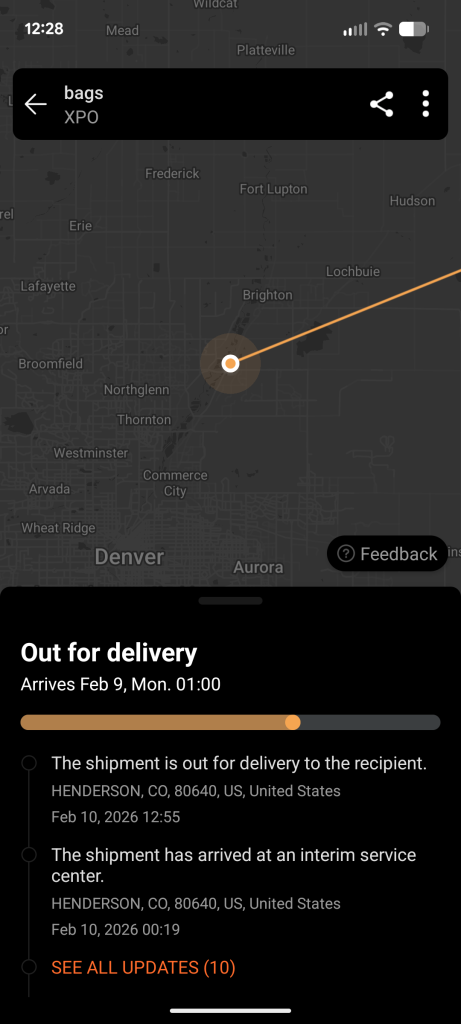
That sounds simple—and it is—but the execution is what makes it valuable.
Instead of juggling multiple carrier apps or manually checking tracking links, I can drop a tracking number into AfterShip and let it handle the rest. The app supports virtually every major carrier you can think of, including USPS, UPS, FedEx, DHL, and plenty of international services.
Why This Matters for a Business
As a business, we’re constantly expecting multiple inbound shipments at our warehouse—inventory, supplies, samples, you name it. I keep all known inbound shipments logged in AfterShip so I can see, at a glance, what’s coming and when.
That has saved me more than once.
I’ve received delivery notifications on weekends when no one is at the warehouse, only to discover a carrier left a package sitting on our doorstep. I’ve also caught situations where a “delivered” package was actually dropped off at a neighboring business.
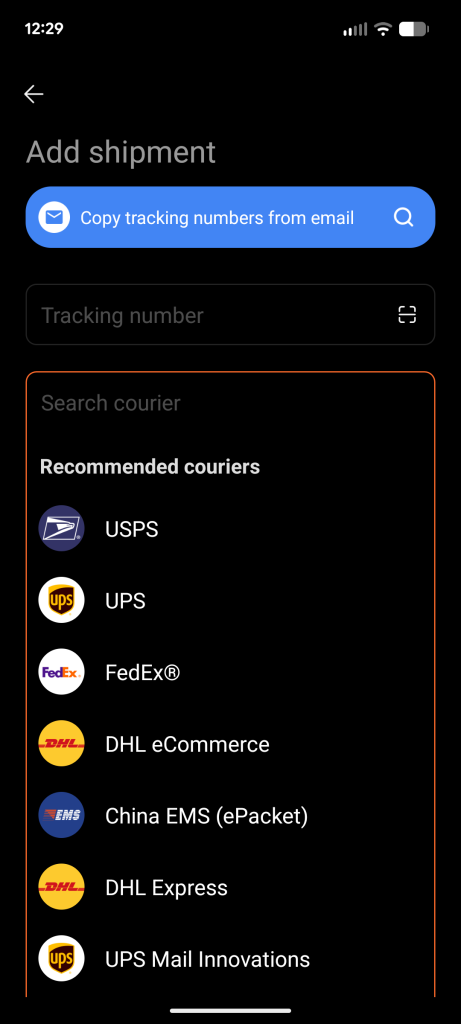
Carriers are… optimistic with delivery confirmations. Having a real-time notification lets me act immediately instead of discovering a problem hours—or days—later.
Yes, I could proactively check tracking numbers all day. But I don’t. And neither do most people.
Push notifications are what make this app effective.
Tracking Outbound Shipments
I also use AfterShip to monitor outbound shipments to important customers or dealers. When I see that something has been delivered, I can follow up quickly—either to confirm receipt or head off an issue before it turns into a problem.
That kind of visibility is especially useful for high-value or time-sensitive orders.
One App Instead of Four
Before AfterShip, I had separate apps installed for:
- USPS
- UPS
- FedEx
- DHL
Those apps can still be useful if you need to manage billing or carrier-specific accounts, but for pure tracking, they’re redundant.
Once I started using AfterShip, I deleted all of them.
One app. One interface. All carriers.
Email Integration (Optional but Useful)
AfterShip also offers the ability to connect to your email inbox and automatically detect shipping notification emails, importing those shipments into the app for you.
I think the average consumer would love this. It’s a genuinely useful feature.
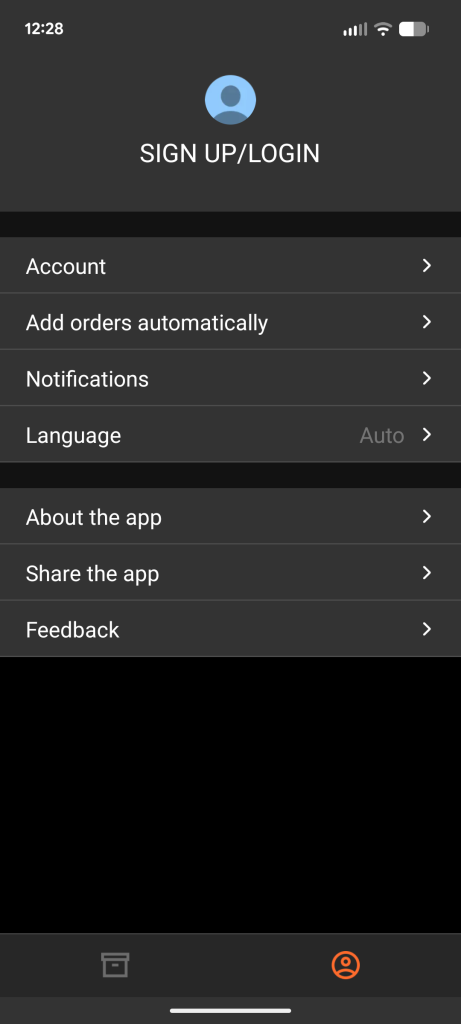
I personally tried it and eventually turned it off—not because it didn’t work, but because I’m copied on far too many shipping notifications that I don’t actually want to track. That’s more of a me problem than an app problem, and the feature itself works exactly as advertised.
Final Thoughts
If you:
- Run a business
- Receive regular shipments
- Send important outbound packages
- Or just want a better way to monitor deliveries
…I would absolutely recommend the AfterShip Package Tracker app.
It’s one of those tools that fades into the background until the moment it saves you—then you’re very glad it’s there.
Simple, reliable, and genuinely useful.